Login & Registration Page Forms
Real screenshots from the PhemightForms Login & Registration studio. Live demos in WordPress, shortcodes on your pages, and branded member gates that look like your site (not the default WP login).
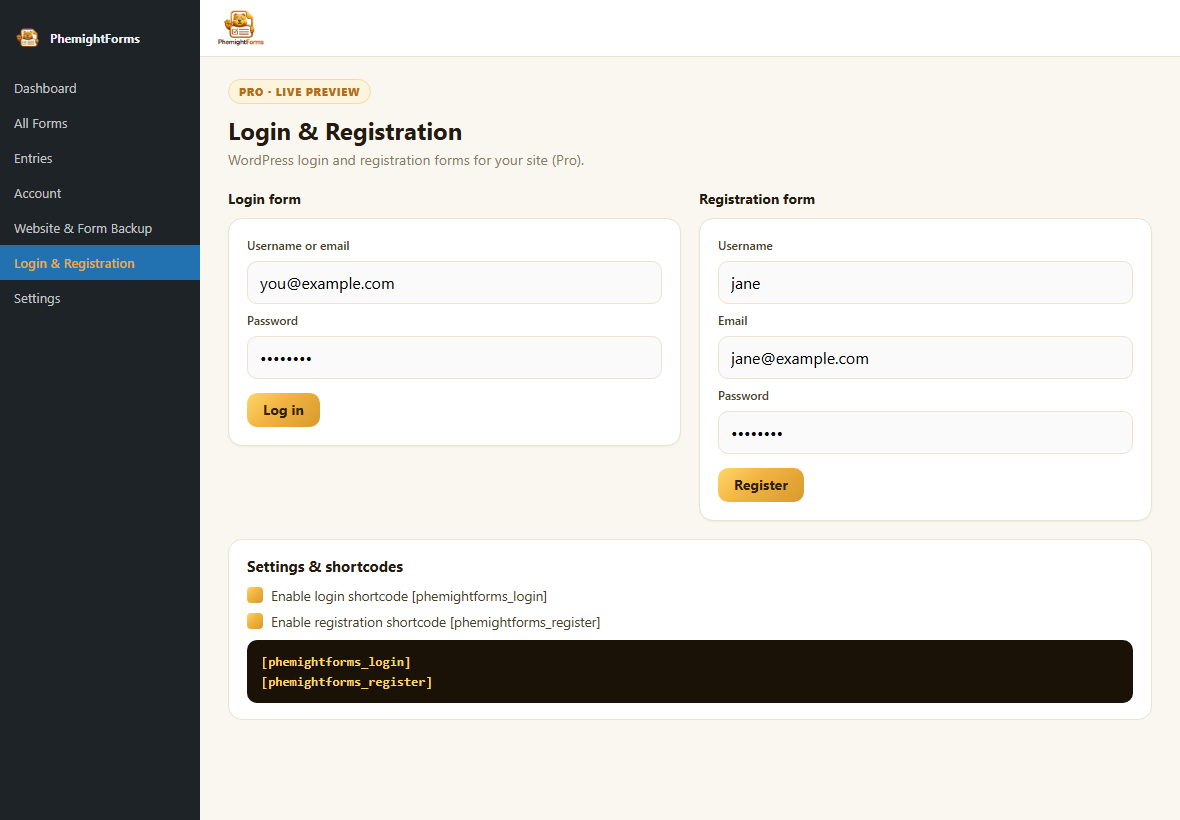
Live preview in the side menu
Open PhemightForms Login & Registration. You get side by side login and registration demo cards, toggles for the shortcodes, and copy ready tags, all under a Pro live preview badge.
- Login + registration demos side by side
- Enable
[phemightforms_login]/[phemightforms_register] - Starter forms open in the visual builder
Screenshots from the Login & Registration experience
Plugin admin preview plus front end layouts you can publish with shortcodes.
Plugin live preview
What you see after Plus is active: demo cards, shortcode toggles, and docs in one screen.
- Side menu entry (not the topbar)
- Interactive looking login & register cards
- Shortcodes ready to copy
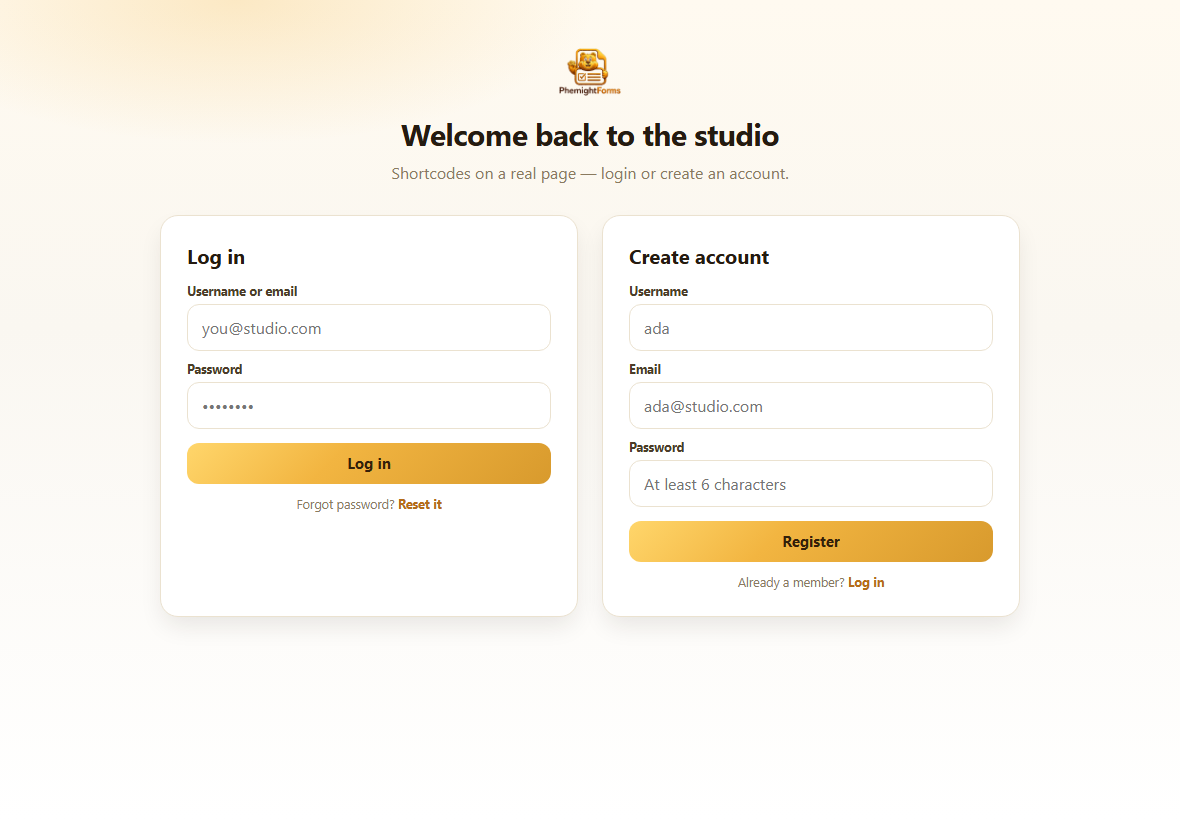
Side by side membership page
Put both shortcodes on one page for a studio style welcome: log in on the left, create an account on the right.
- Both shortcodes on one template
- On brand gold CTAs
- Ideal for communities & courses
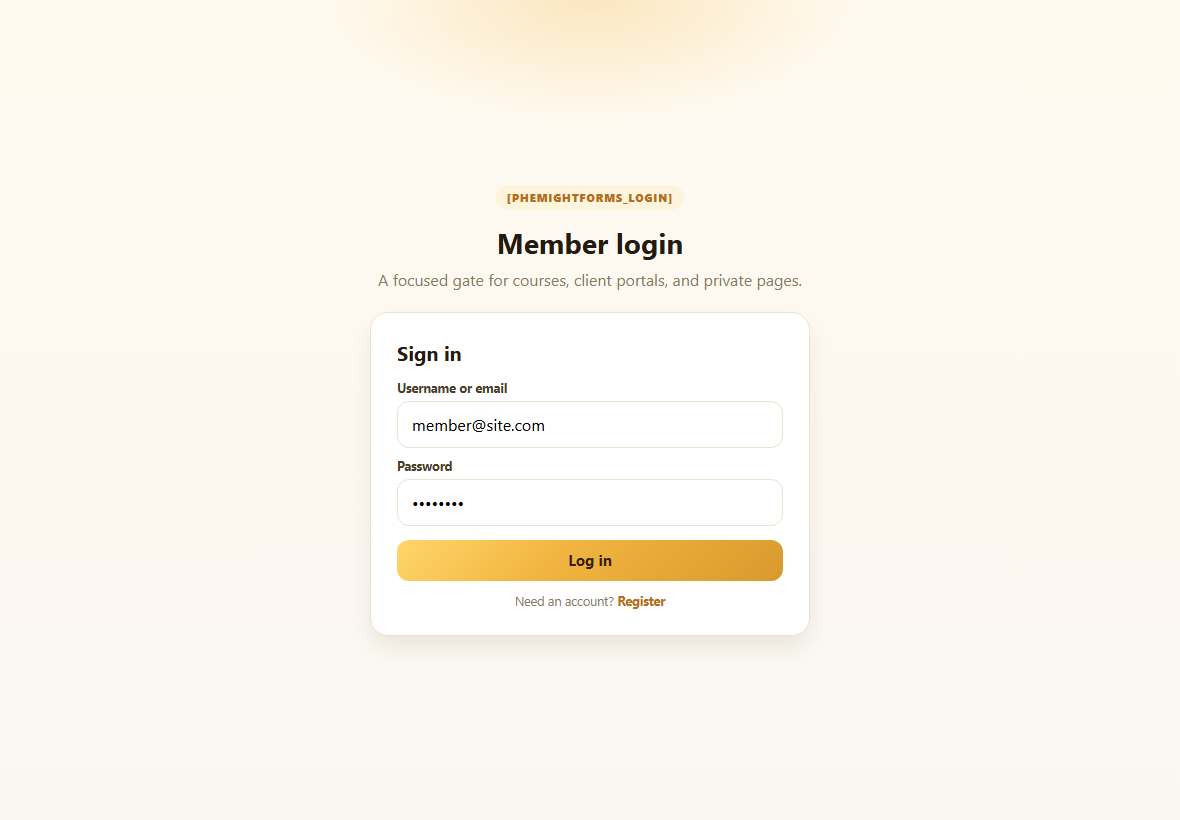
Login only gate
A focused [phemightforms_login] card for client portals, private downloads, and member areas.
- Username or email + password
- Clean single card layout
- Link out to registration when you want
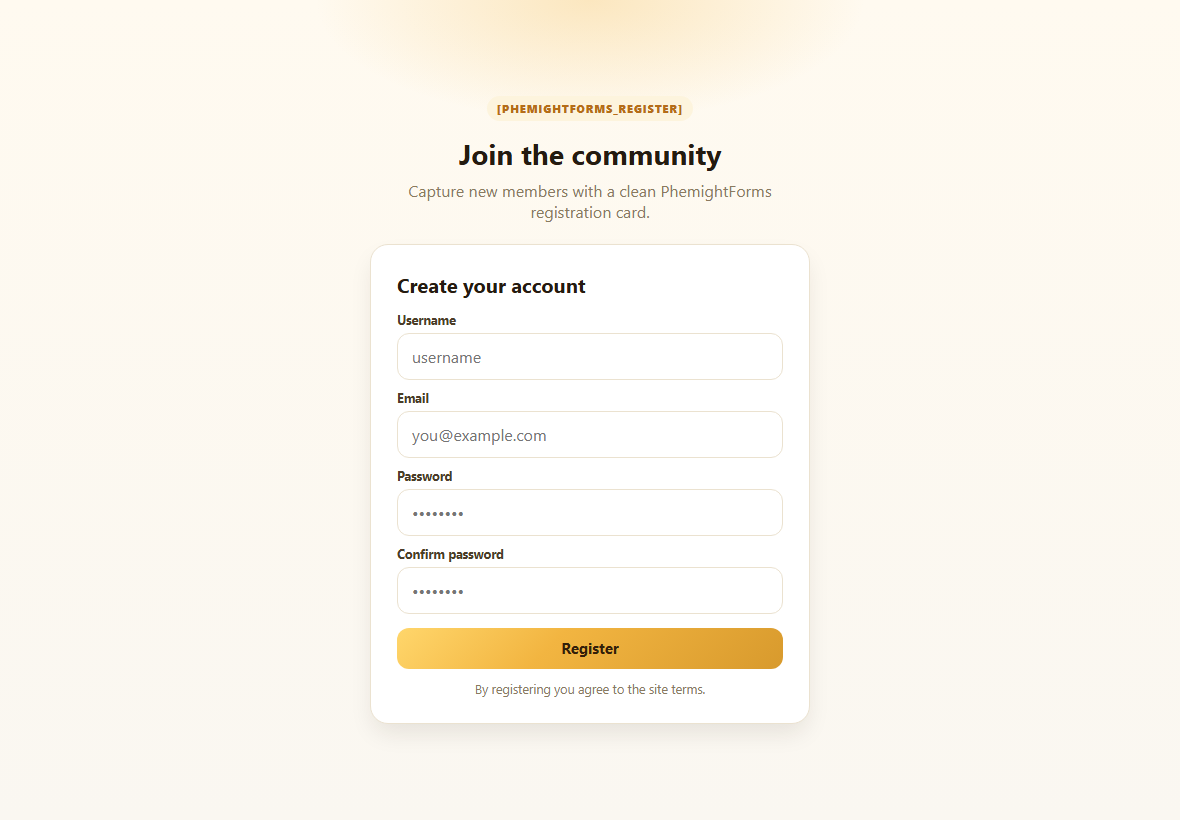
Registration only welcome
[phemightforms_register] captures new members with username, email, password, and confirm fields.
- Join the community style page
- Confirm password built in
- Extend fields in the builder
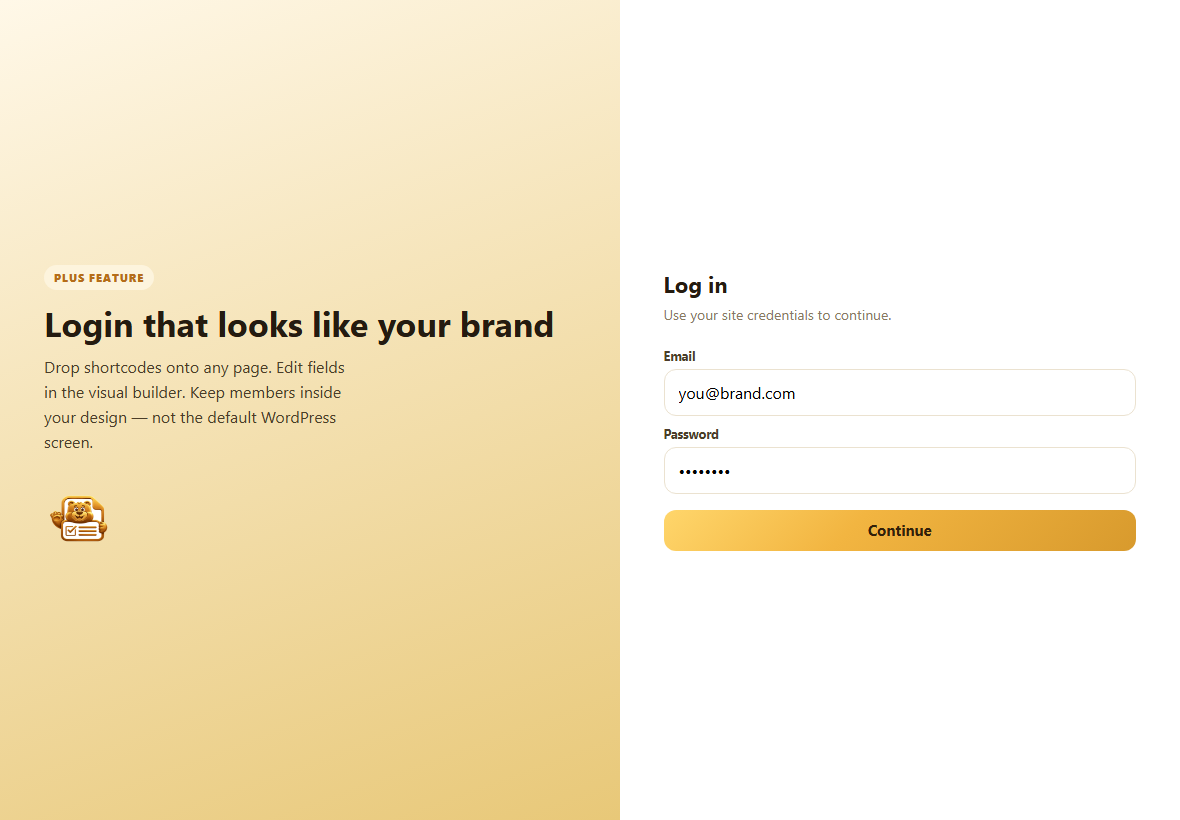
Branded split layout
Pair your story on one side with a PhemightForms login shortcode on the other. Members stay inside your design.
- Marketing + form in one viewport
- Feels like your brand, not wp login
- Edit fields anytime in the builder
Every demo at a glance
Admin live demos
Preview login and registration before anything goes public.
Pair on one page
Membership landing with both forms together.
Login shortcode
[phemightforms_login] for private areas.
Register shortcode
[phemightforms_register] for new members.
Split brand layout
Story on the left, login on the right.
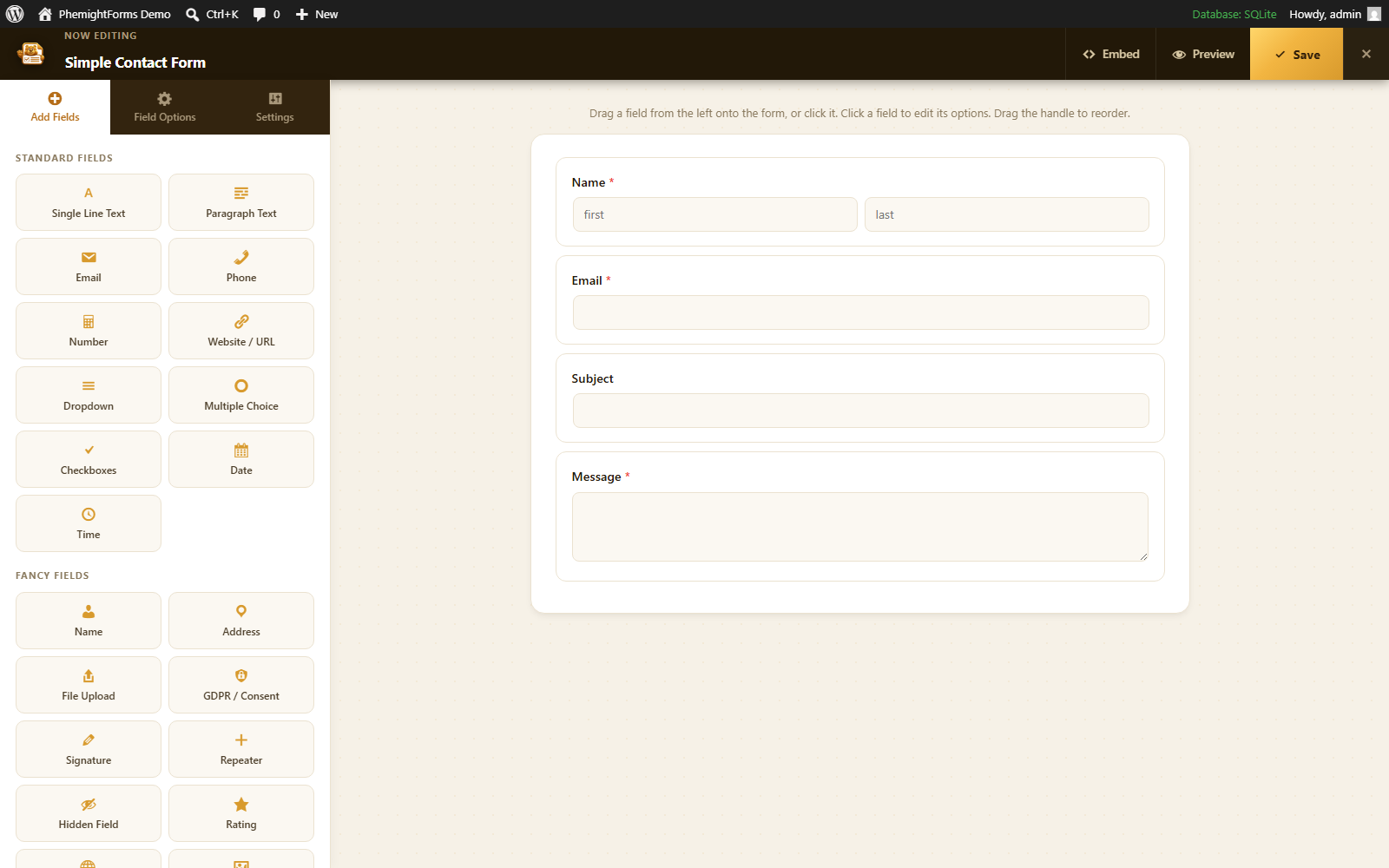
Edit in the builder
Starter forms open in the same visual builder you already use.
From license to live login page
Follow the path once. After that, every new site page is a shortcode away.
Activate your license
Buy Plus or Agency, open the account portal dashboard, copy your activation code, then in WordPress go to PhemightForms Account. Paste the code or log in with the same email you used on the portal.
Open Login & Registration
Look at the left sidebar, not the gold top header. Click Login & Registration. If Plus is inactive you will see a locked screen. If it is active, the studio opens with live demos.
Play with the demos
Two interactive previews show login and registration the way visitors will feel them. Use demos to align with your designer before anything goes public.
Create starter forms
Generate starter login and registration forms that open in the visual builder. Rename fields, add consent checkboxes, wire notifications.
Place the shortcodes
On any page, paste [phemightforms_login] or [phemightforms_register]. Publish. Your branded gate is live.
Keep iterating
Change copy in the builder, refresh the page, and the shortcode follows. No separate membership theme required.
Two Plus tools, one activation
The same license that unlocks Login & Registration also unlocks Website & Form Backup. Activate once in Account, then both side menu items light up.
- Side menu placement (never buried in the topbar)
- Works with your existing Plus / Agency code
- Editable in the same visual builder
Turn “please log in†into a brand moment
Activate Plus, open the side menu, preview the demos, and publish shortcodes before your next launch.