Website & Form Backup
Imagine migrating hosts at midnight and realizing every contact form, payment flow, and quiz still lives safely in a file you exported last week. That is what Backup is for: a quiet safety net for the forms that run your business.
Your forms are more than fields
Every PhemightForms form carries labels, conditional logic, notifications, payment settings, and the quiet decisions you made in the builder. A theme switch or a botched import should not erase that work.
Website & Form Backup sits in the WordPress side menu (not the top header). After Plus is active, you open it like a vault: export everything, pull entries as CSV, or pour a JSON backup back in when you need a restore.
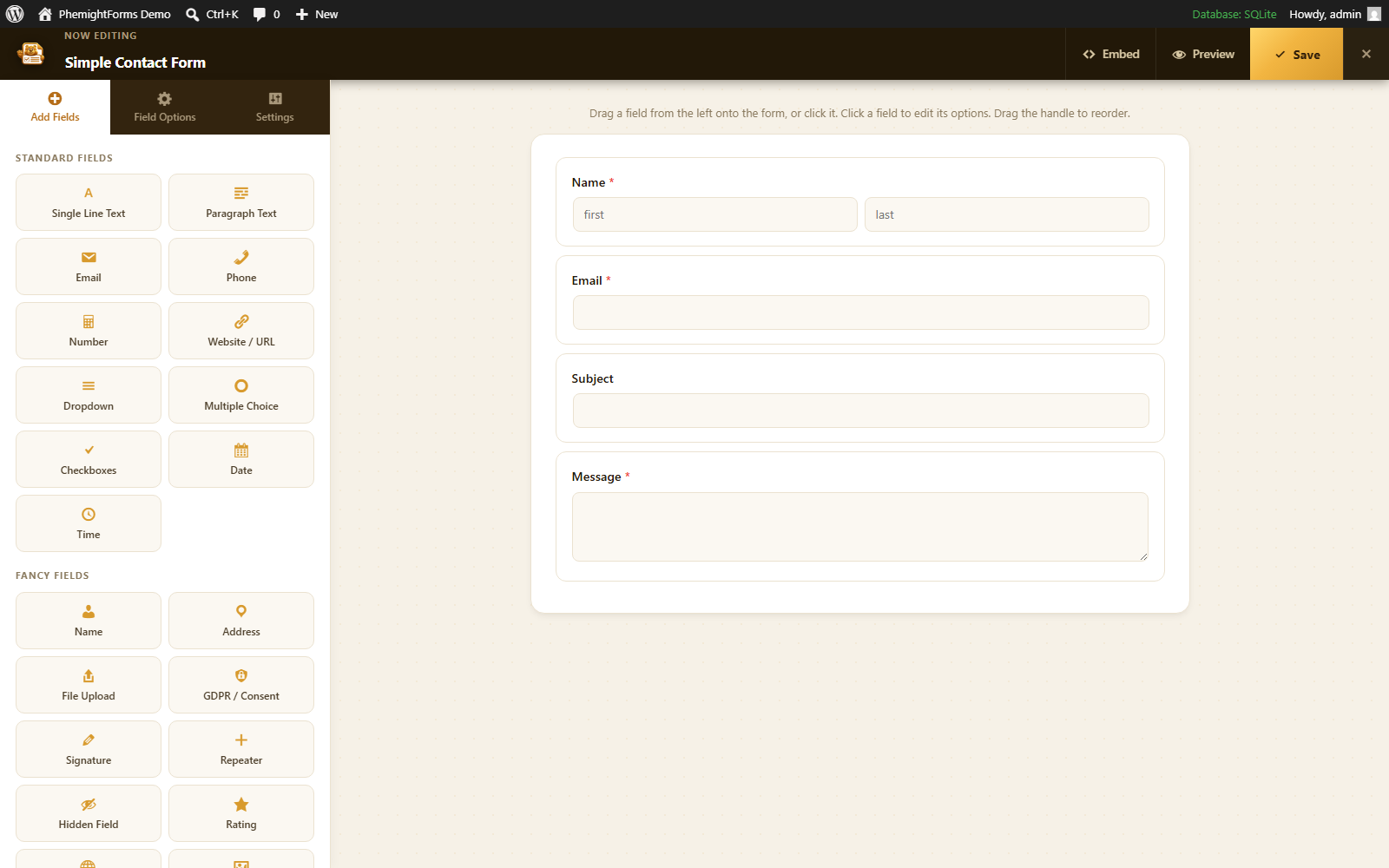
From click to calm, step by step
No terminal. No database dumps. Just a focused admin screen built for form owners.
Activate Plus
Subscribe in the account portal, copy your activation code, then open PhemightForms Account in WordPress and paste it (or log in). Until that moment, Backup stays locked with a clear upgrade path.
Open the vault
In the left WordPress sidebar, choose Website & Form Backup. You will see export, entries CSV, and import: tools that only appear for licensed sites on purpose.
Export the whole library
One action packages every form as JSON: titles, field configs, logic, and settings. Download it. Park it in Drive. Sleep better before a migration.
Pull entries as CSV
Need a spreadsheet of submissions for one form? Pick the form, export CSV, open it in Excel or Sheets. Perfect for audits, handoffs, and offline review.
Restore when life happens
New site, staging clone, or “undo that bad edit� Upload a previous JSON backup and PhemightForms recreates the forms so you are not rebuilding from memory.
Leave a trail
Recent backup actions are logged on the same screen, so you always know when the last export or import ran. Useful when a teammate asks “did we back up yet?â€
Built for real WordPress days
Full form JSON
Fields, settings, and structure travel together so a restore feels like the form never left.
Entry CSVs
Share submission data with clients or accountants without giving them wp admin access.
JSON import
Bring forms onto a fresh install when you move hosts or spin up staging.
Power tools stay where site owners look
Backup is not a casual top bar link. It lives with the rest of your serious PhemightForms tools in the WordPress sidebar, next to Account, Entries, and Settings, so the people who manage the site can find it without cluttering the plugin header.
- Side menu only (by design)
- Locked until Plus or Agency is active
- Same license that unlocks Login & Registration
Protect the forms that protect your leads
Activate Plus, open the side menu, and make your first export before the next big site change.