Clear, practical guides written from the real plugin screens. No fluff. Just the steps that get your forms working.
Getting Started
PhemightForms is a WordPress form builder with a visual editor, ready made templates, entry storage in your own database, email notifications, payments, reports, and spam protection.
Goal: In under five minutes you can install the plugin, pick a template, and place a working form on a page.
Download the plugin zip from this site.
Upload and activate it in WordPress.
Open PhemightForms → Templates and choose a starting point.
Customize fields in the builder, then save.
Copy the shortcode onto any page or post.
Install and Activate
Upload method
Go to Plugins → Add New → Upload Plugin.
Choose phemightforms.zip from your computer.
Click Install Now, then Activate.
Requirements
WordPress 5.8 or newer
PHP 7.4 or newer
A theme that outputs page content normally
Tip: After activation, look for the PhemightForms menu in your admin sidebar. That is your home base for forms, entries, payments, reports, and settings.
Create Your First Form
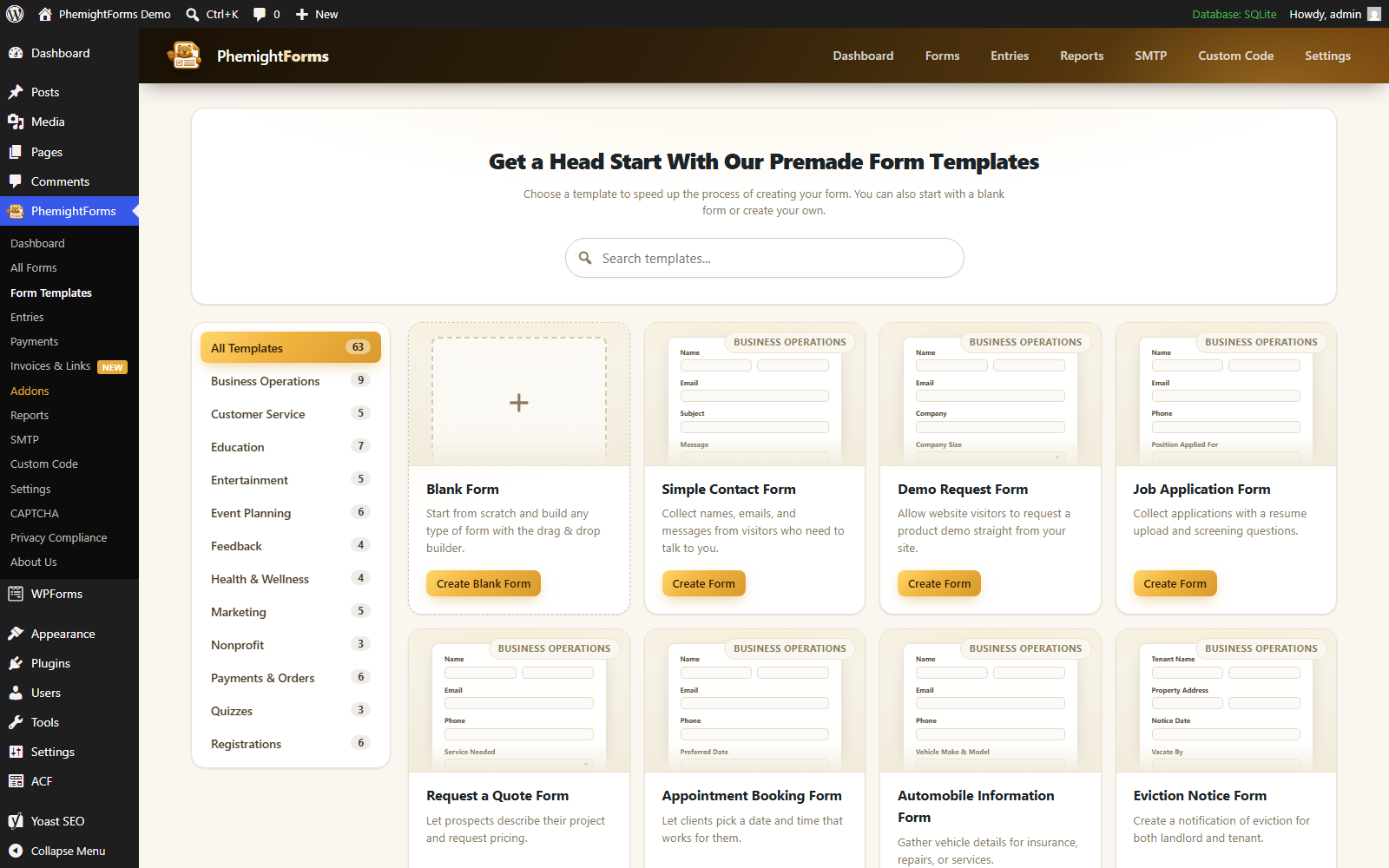
The fastest path is a template. Open PhemightForms → Templates, search or filter by category, and click a card.
Each template opens in the builder with fields already placed. Rename labels, mark required fields, and delete anything you do not need.
Prefer a blank canvas? Choose Blank Form and drag fields in from the field library.
Using the Builder
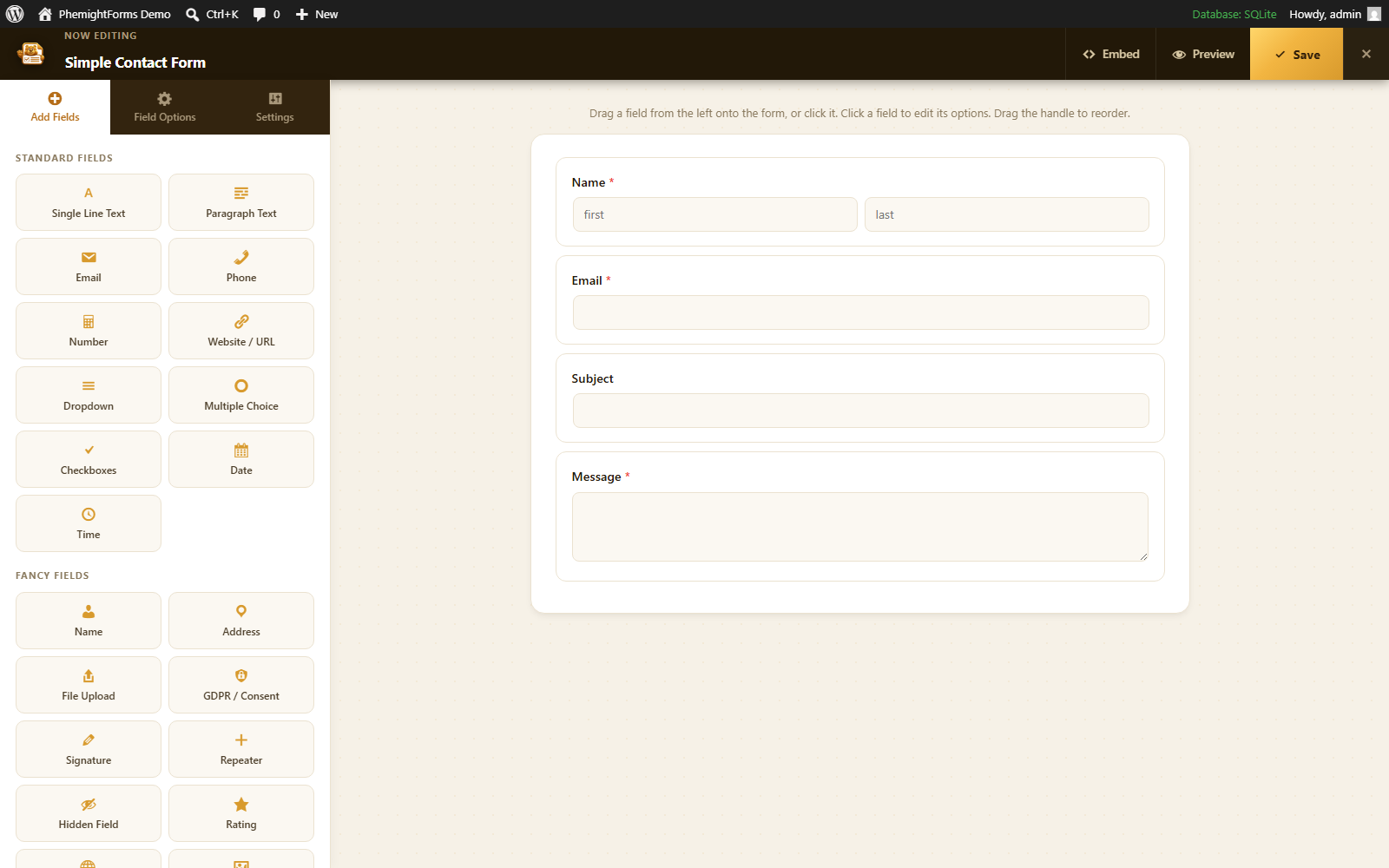
The builder is split into a live canvas and a settings panel. Click a field to edit its label, placeholder, required state, and options.
Things you can do
Drag fields to reorder them
Duplicate fields you reuse often
Add page breaks for multi step layouts
Save often while you experiment
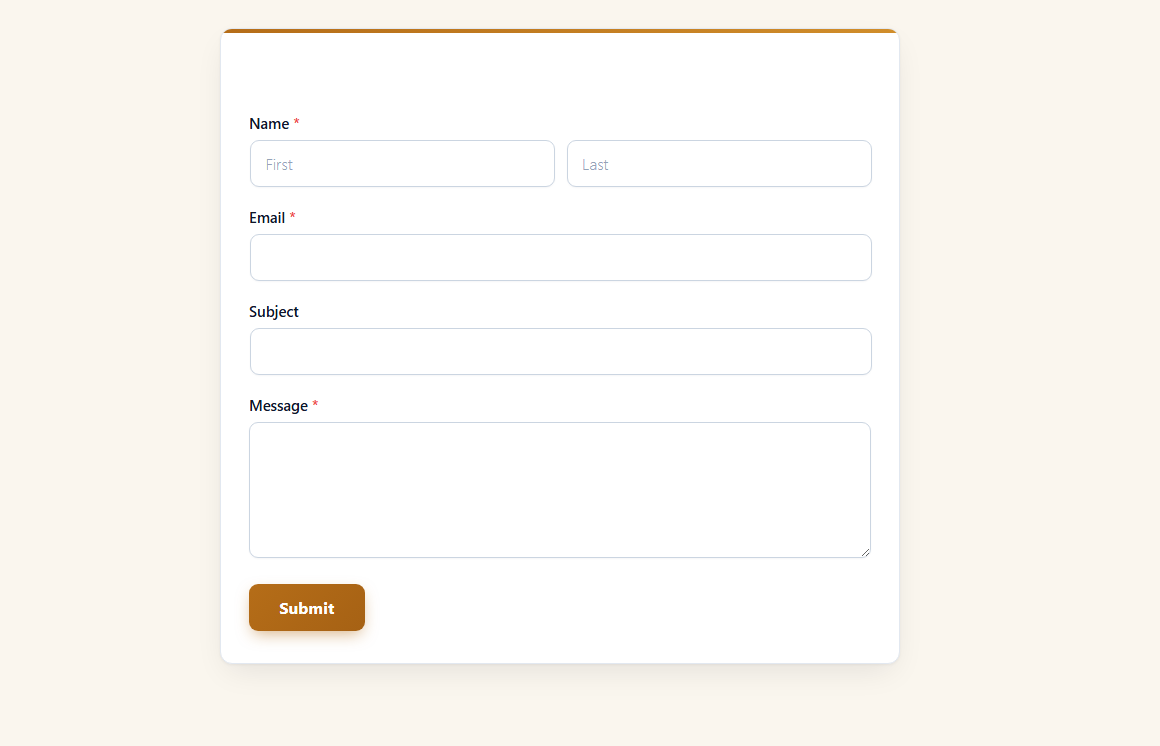
Remember: What you see in the builder is very close to what visitors see on the front end.
Field Types
PhemightForms ships with a wide field library covering everyday contact needs and advanced collection.
Essentials
Name, Email, Phone, Text, Textarea, Number, Date, Time, URL
Dropdown, Checkboxes, Multiple Choice
Address and Country fields
Advanced
File Upload for resumes, images, and documents
Rating scales and consent checkboxes
Signature fields for approvals
Payment single, multiple, select, coupon, and total fields
Hidden fields for tracking context
Templates
Templates are complete starter forms grouped by category: Business, Customer Service, Education, Events, Feedback, Health, Marketing, Nonprofit, Payments, Quizzes, and Registration.
Inside the plugin, every template card shows a miniature form preview. The marketing Templates page mirrors that same preview style so you can browse before installing.
After you pick one, every field remains editable. Templates are shortcuts, not locks.
Conditional Logic
Conditional logic shows or hides fields based on answers. Use it to keep forms short and relevant.
Example
If a visitor chooses “Other†in a dropdown, reveal a text field asking them to explain. Everyone else never sees that extra question.
Best practice: Start simple. One or two rules per form beat a maze of conditions.
Publish a Form
Save your form in the builder.
Copy the shortcode from the forms list.
Paste it into a page, post, or block that accepts shortcodes.
Preview the page on desktop and mobile.
Entry Management
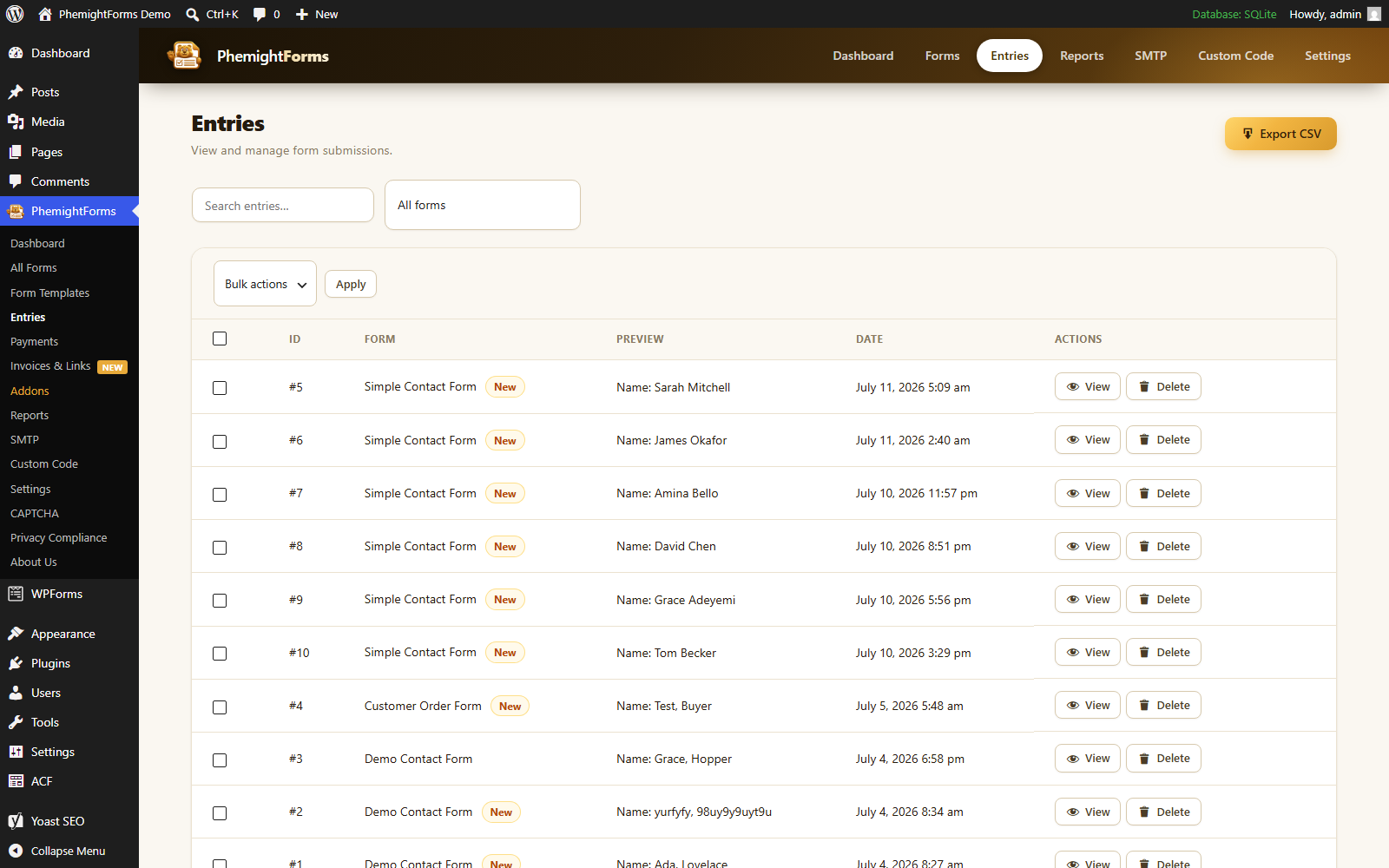
Every submission is stored in your WordPress database. Open PhemightForms → Entries to browse, search, star, and export.
Filter by form
Open an entry for the full field by field view
Export CSV when you need a spreadsheet
Privacy: Entries stay on your site. PhemightForms does not send form data to an outside PhemightForms server.
Notifications and Confirmations
Set who gets emailed when a form is submitted, and what the visitor sees afterward.
Admin alerts to your team inbox
Visitor confirmation emails
Thank you messages or redirects after submit
If WordPress email delivery is unreliable on your host, pair PhemightForms with an SMTP plugin so messages reach the inbox.
Payments and Invoices
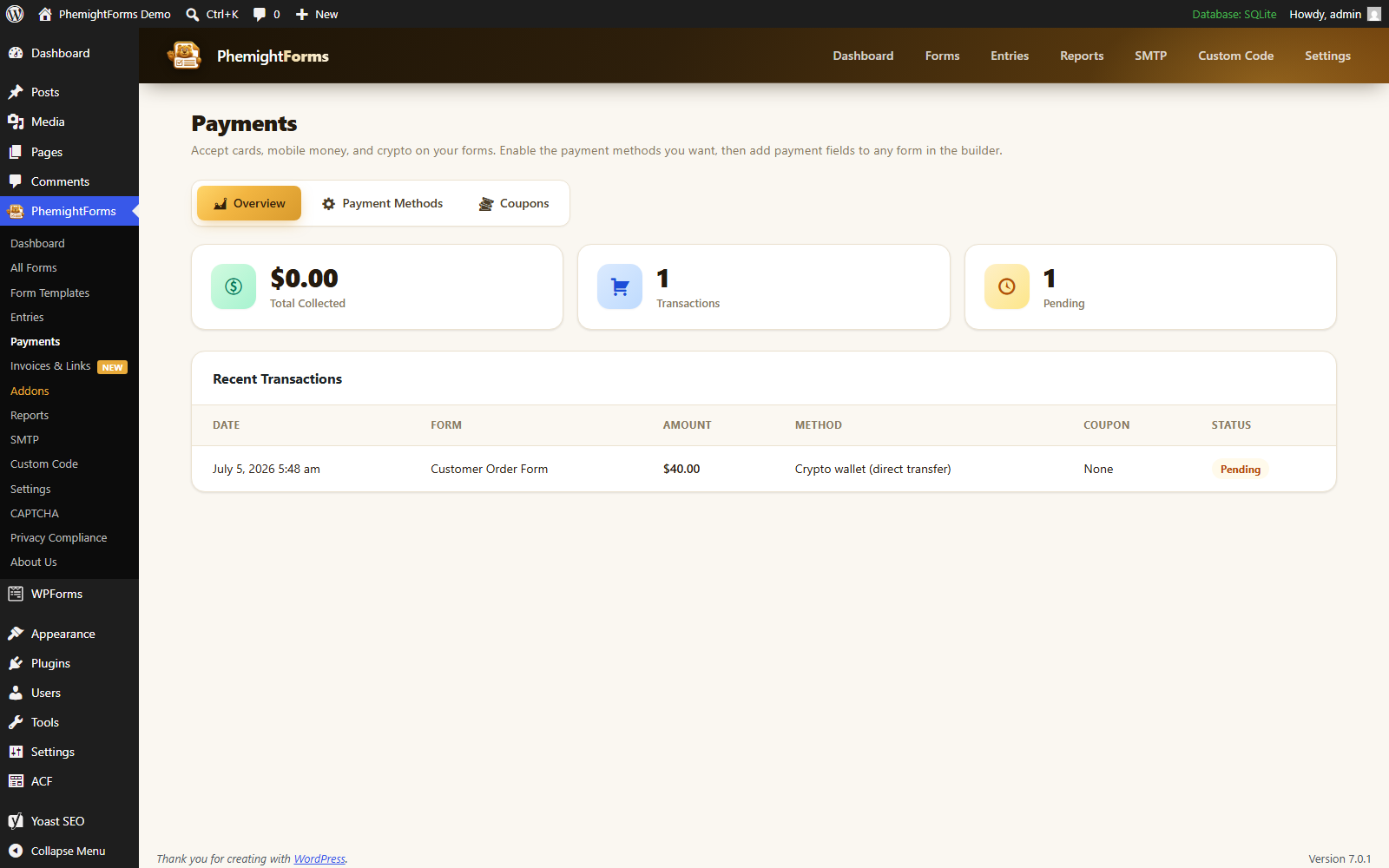
Add payment fields to collect money through your forms. Track transactions and invoices from the payments screens.
Single price items and selectable paid options
Totals that update with selections
Automatic invoice records for completed payments
Reports
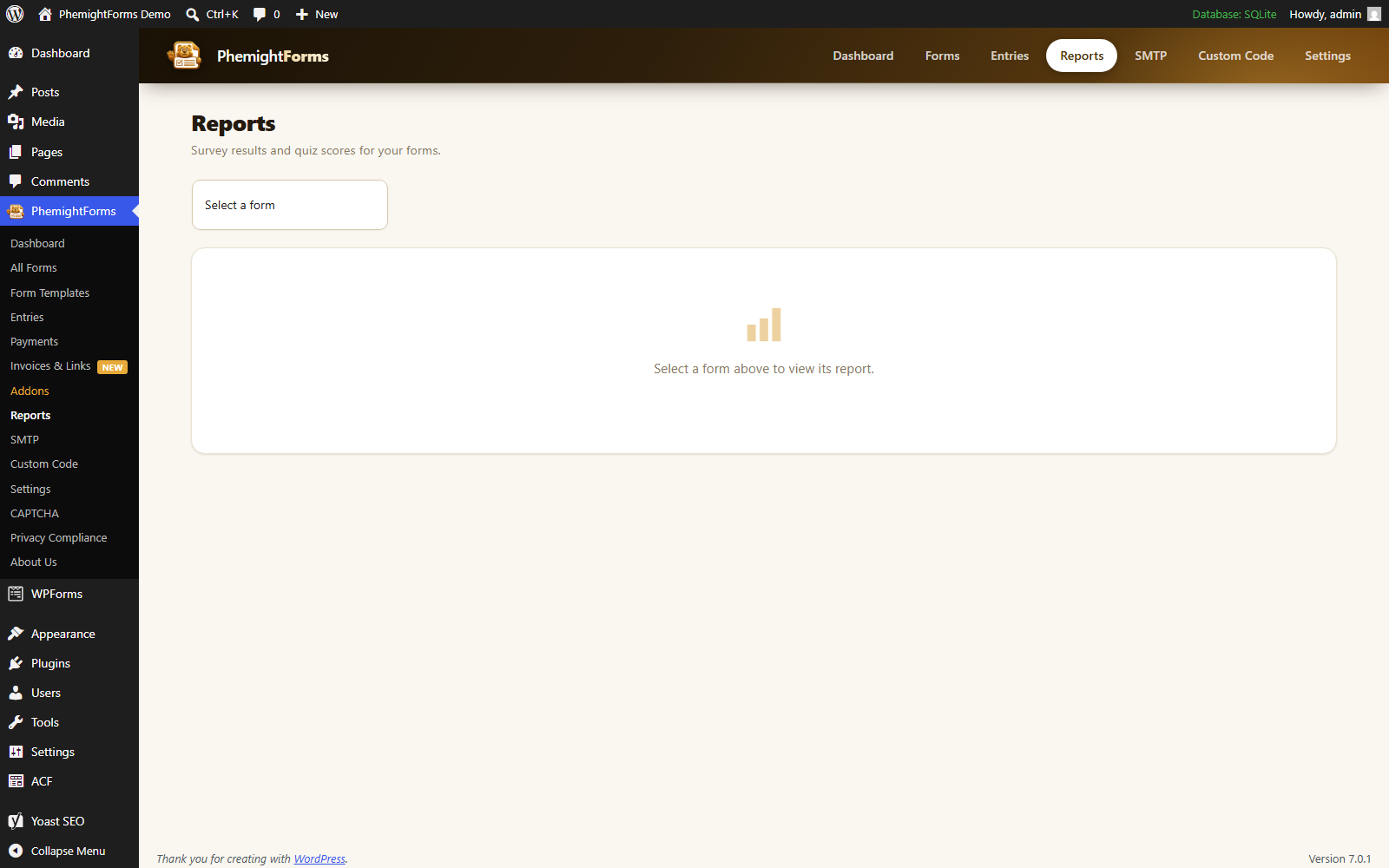
Reports help you understand which forms attract views and which ones convert into submissions.
Use the charts to spot weak forms, then shorten fields or improve your call to action.
Spam Protection and Privacy
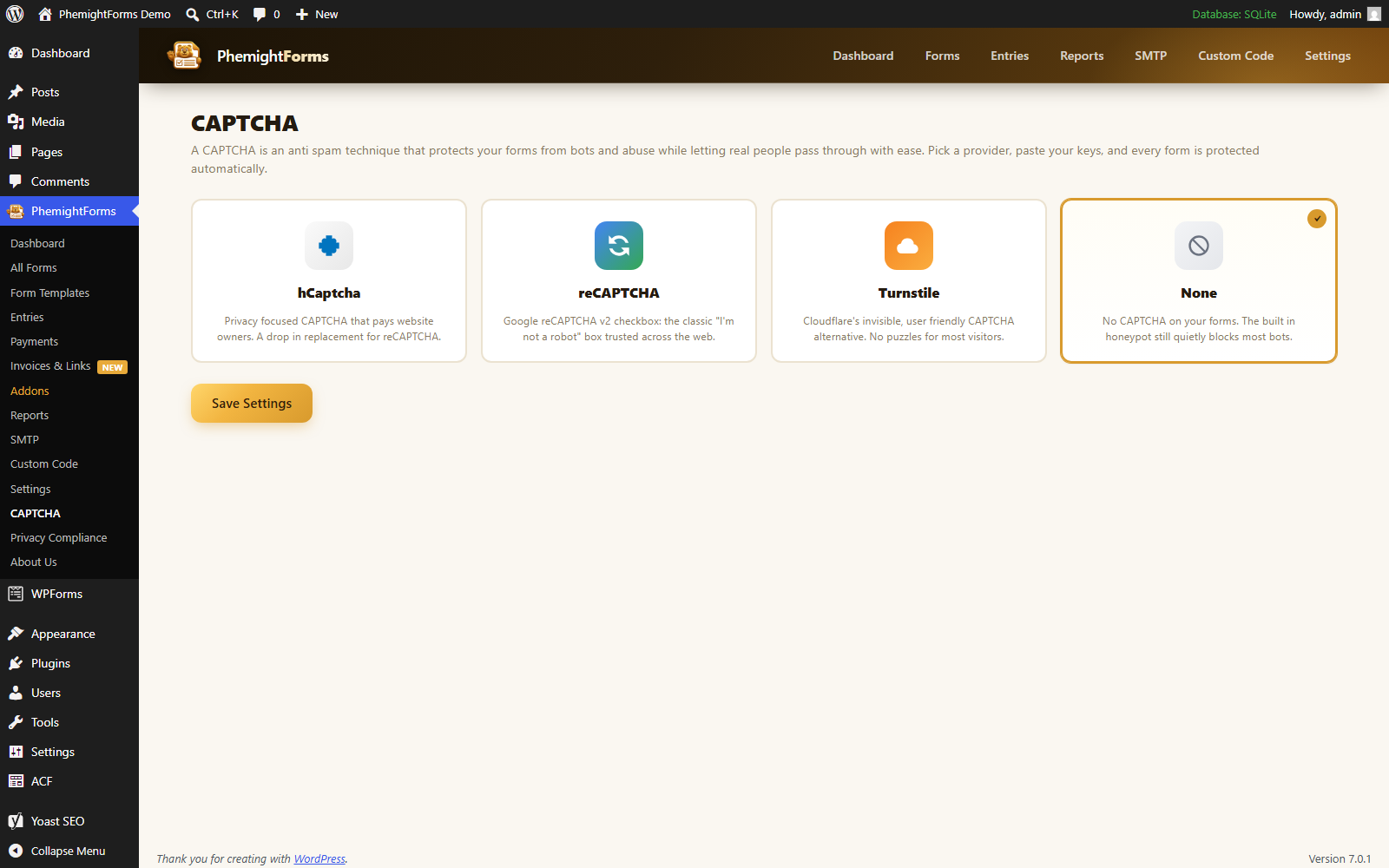
Turn on captcha and honeypot protection so bots bounce while real people get through.
Captcha support
Invisible honeypot checks
Privacy controls for how long data is kept
Frequently Asked Questions
In your own WordPress database. You stay in control of backups, exports, and deletion.
Yes. Forms inherit theme styles by default. You can also add custom CSS targeting the form classes when you need finer control.
Confirm the notification is enabled and the recipient address is correct. If mail still fails, install an SMTP plugin so WordPress sends through a trusted mail provider.
Assets load on pages that contain a form. The rest of your site stays lean.
Ready to Build?
Install PhemightForms and keep this documentation open while you create your first form.